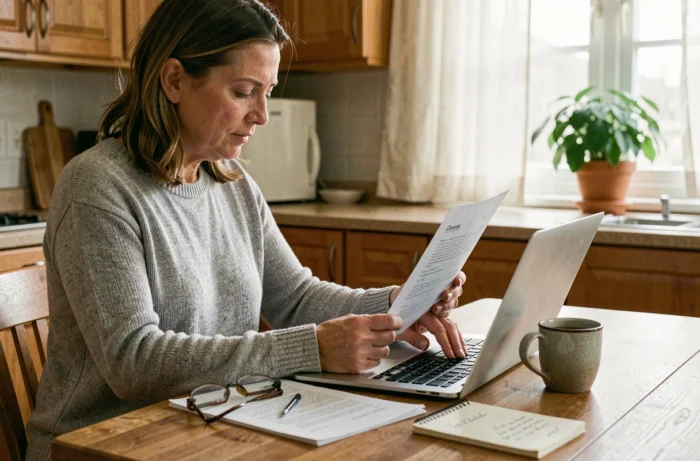
Making a medical appointment online rarely takes more than two minutes. Preparing for this appointment to make it truly useful requires a bit more method. Between the documents to gather, the questions to formulate, and the pricing traps that have recently appeared on certain teleconsultation platforms, a few simple reflexes can change the quality of the consultation.
Paid options in teleconsultation: what the regulations require since September 2026
Have you ever seen a “priority access” option appear at the end of an online booking? Some teleconsultation platforms offered a fee to jump ahead of other patients. The Ministry of Health requested the removal of these options in September 2026, with compliance expected before October 1, 2026.
In practice, a paid complementary service can exist, but it must remain optional and never condition access to a reimbursed consultation. Before confirming an appointment, check that the displayed price corresponds to the agreed rate or the rate announced by the practitioner, without any hidden surcharges.
If an additional fee seems questionable, keep a screenshot of the booking page, the appointment confirmation, and the detailed invoice. These elements allow you to request a refund from the platform or to make a report on SignalConso. Being able to prepare your appointments with Pharmidea also helps anticipate these checks before confirming a time slot.
Preparing your medical file before the online consultation
The online consultation often lasts the same amount of time as an in-office consultation. The doctor has the same time slot to make a diagnosis and write a prescription. A prepared file in advance saves several useful minutes for the practitioner.
Gather your documents the day before, not five minutes before the appointment. A phone scanner is enough to digitize anything that only exists in paper form.
- Your latest blood tests or imaging, even if they are a few months old. The doctor may need a point of comparison.
- The list of your current treatments, with the exact dosages. A photo of your medication boxes works very well.
- A summary of your symptoms: since when, how often, what aggravates or relieves them. Two or three written sentences are better than an improvised account.
- Your updated Vitale card and, if you have one, your digital mutual insurance certificate.
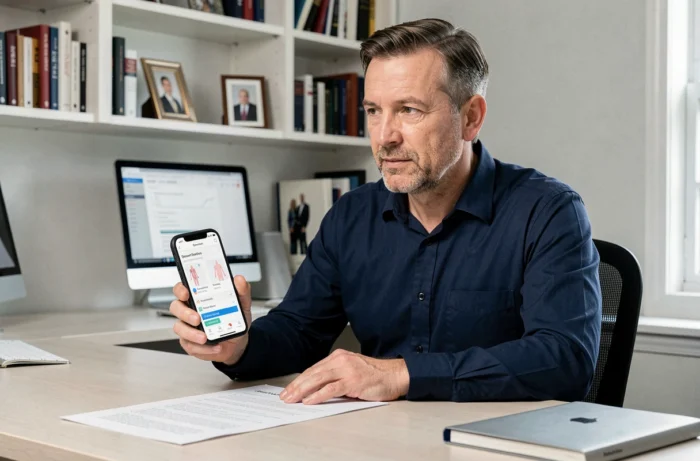
Check that the teleconsultation is a real video consultation
A simple online questionnaire does not constitute a medical teleconsultation. For a remote consultation to comply with the usual care conditions, it must take place via videoconference, with real-time interaction between the patient and the doctor.
Before booking, check that the platform explicitly mentions a video consultation. If the booking process only offers written exchanges or an automated form, you are not in the framework of a teleconsultation in the medical sense of the term.
This point has a direct consequence on reimbursement. A video teleconsultation with a treating physician follows the coordinated care pathway and benefits from the same reimbursement rate as a physical consultation. An exchange via messaging does not offer this guarantee.
Test your equipment before the reserved time slot
The internet connection, camera, and microphone deserve a quick test at least an hour before the appointment. On a phone, close background applications to free up bandwidth. On a computer, check that the browser allows camera access for the platform’s site.
A headset or earphones significantly improve sound quality for the doctor. Settle in a quiet place, well-lit from the front. The practitioner needs to see your face clearly to observe clinical signs, even from a distance.
Formulate your medical questions in writing before the appointment
Have you ever left a consultation realizing you forgot to ask your main question? This reflex of writing down your questions in advance works just as well in teleconsultation as in-office.
Limit yourself to three or four priority questions. A consultation appointment does not last long enough to cover ten different topics. Organize your questions by order of importance: if time runs short, the first ones will have been addressed.
Also note what you concretely expect from the consultation: a prescription renewal, advice on a new symptom, a referral to a specialist. The doctor tailors their approach based on your request.
After the consultation: secure the documents received
The digital prescription, report, or work stoppage is sent by the platform or via secure messaging. Download them immediately and save them in a dedicated folder on your phone or computer.
Check that the prescription is electronically signed and includes the doctor’s name, date, and RPPS number. Pharmacies accept digital prescriptions, but an incomplete document may block the dispensing of medications.

Preparing for an online medical appointment relies on simple actions: checking the format of the consultation, gathering documents, noting questions, and controlling pricing conditions. These few minutes invested before the reserved time slot make the consultation more efficient for both the patient and the practitioner, and avoid unpleasant surprises at the time of reimbursement.