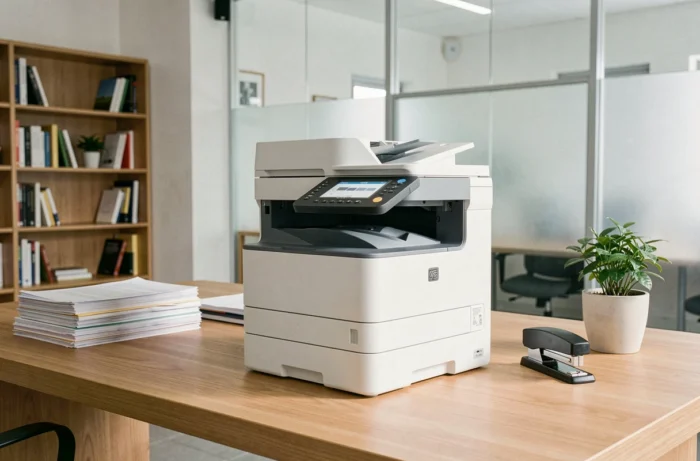
How to objectively evaluate a color laser multifunction printer intended for a small office? The HP Color LaserJet Pro MFP M281fdw combines printing, copying, scanning, and faxing in a compact format. To make a decision, one must compare its technical specifications to what is offered in the color laser multifunction segment, and then measure a parameter often overlooked: the actual cost of consumables over time.
HP Color LaserJet Pro MFP M281fdw vs. Compact Color Laser Multifunctions
Before detailing the differences, a table helps position the M281fdw against the usual selection criteria for an office with fewer than ten people.
| Criterion | HP Color LaserJet Pro MFP M281fdw | Compact Color Laser Multifunction Segment |
|---|---|---|
| Functions | Printing, copying, scanning, faxing | Often 3-in-1 (without fax) on entry-level models |
| Duplex Printing | Automatic | Not always included on the cheapest models |
| Connectivity | Wi-Fi, Wi-Fi Direct, Ethernet, USB | Common Wi-Fi and USB, Ethernet sometimes absent |
| Mobile Compatibility | AirPrint, Google Cloud Print, HP ePrint | Variable by brand |
| Touchscreen | Yes, color | Often monochrome screen or no touchscreen |
| Main Paper Tray | Standard capacity | Comparable capacity on most direct competitors |
The M281fdw stands out with the presence of fax and automatic duplexing, two features that similarly priced competitors do not always offer. Complete network connectivity (Ethernet in addition to Wi-Fi) remains a tangible advantage for a wired office.
For all detailed specifications, the page on the HP Color LaserJet Pro MFP M281fdw gathers manufacturer data and associated toner references.
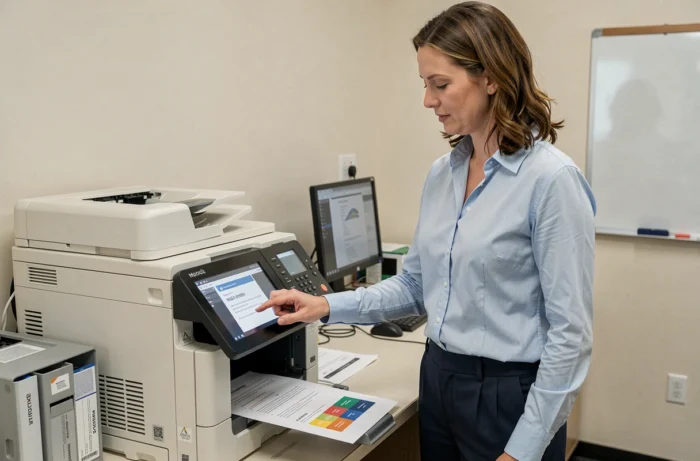
HP Toner and Compatible Cartridges: The True Cost of Ownership of the M281fdw
The purchase price of a laser printer represents only a fraction of the total budget. For the M281fdw, it is the consumables that deserve the closest analysis.
HP Dynamic Security and Third-Party Cartridges
HP integrates a technology called dynamic security into its printers. Its principle: cartridges equipped with a non-HP chip may be blocked after a firmware update. Consumables sellers report that the firmware identified as “20201021” can prevent certain compatible cartridges from functioning on the M281fdw.
On the other hand, refurbished cartridges that reuse an original HP chip are generally less exposed to this blockage. The nuance is technical, but it significantly alters the economic calculation.
Balancing Cost and Freedom of Choice
Two scenarios emerge for an office equipped with this printer:
- Using only original HP toners guarantees compatibility with each update, but the cost per page remains higher than with third-party cartridges.
- Opting for compatible cartridges reduces the consumables bill, provided that the firmware version is checked before each purchase and that automatic updates are not applied without prior testing.
- Testing updates in a pilot environment before deploying them across the entire printer fleet, as recommended by specialized fleet management guides.
This choice between original consumables and compatible cartridges weighs more on the annual budget than the purchase price of the printer itself.
Network Connectivity and Mobile Printing in the Office
The M281fdw offers four connection modes: USB, wired Ethernet, Wi-Fi infrastructure, and Wi-Fi Direct. This versatility covers almost all configurations of small offices.
Wi-Fi Direct allows a mobile device to connect to the printer without going through the office router. Combined with AirPrint compatibility for Apple devices and HP ePrint, printing from a smartphone or tablet requires no driver.
Ethernet remains relevant for offices that prioritize connection stability or whose IT policy mandates network cabling. Many competing compact multifunctions are limited to Wi-Fi and USB, which can pose problems in a structured corporate network.
End of Life and Recycling of the Laser Printer and Its Toners
One aspect rarely compared between competing models concerns end-of-life management. For the M281fdw, as with any laser printer, the printer and toner cartridges must be treated separately.
Recycling guides for businesses recommend removing toners before any disposal and not placing them in the regular recycling stream. HP offers a program for returning used cartridges, but its accessibility varies by country.
For an office concerned about its environmental impact, checking the local availability of the HP return program before purchase avoids unpleasant surprises when replacing consumables. Proper recycling of laser toners reduces the risk of contamination related to residual toner powder.
The HP Color LaserJet Pro MFP M281fdw offers a set of features above average for its segment, with built-in fax, automatic duplexing, and complete network connectivity. The point of caution lies with the consumables: HP’s dynamic security policy requires defining one’s toner supply strategy from the outset, as this is the item that determines the true operating cost over several years.